PPF Dealer Catalog: A Product Data Checklist
A PPF dealer catalog should help a shop select the correct film without guessing what a model code means. Attractive vehicle photographs are useful, but they cannot replace accurate product data. When materials, finishes and ordering terms are copied between pages, a distributor can accidentally promise the wrong warranty or quote a sample quantity as a wholesale minimum.
This PPF dealer catalog checklist focuses on the information you give installers and sales teams after choosing a supplier. It is a publishing and sales-reference workflow, not a laboratory testing protocol. The objective is a dependable product record that stays consistent across your website, PDF catalog and quotation sheet.
Start with One Approved Record for Each Model
Assign one person to maintain the master product record. Give each record a revision date and identify the supplier document supporting its claims. Sales staff should be able to trace a specification to the exact model rather than to a general brochure describing an entire film range.
Separate the supplier model code from your private-label selling name. Keep both in your internal records even when the customer sees only your brand. This makes it easier to reconcile a dealer question with an invoice, sample label or replacement order. Do not treat similar names as evidence that two products share identical specifications.
Build the Catalog around Four Information Groups
1. Product Identity and Appearance
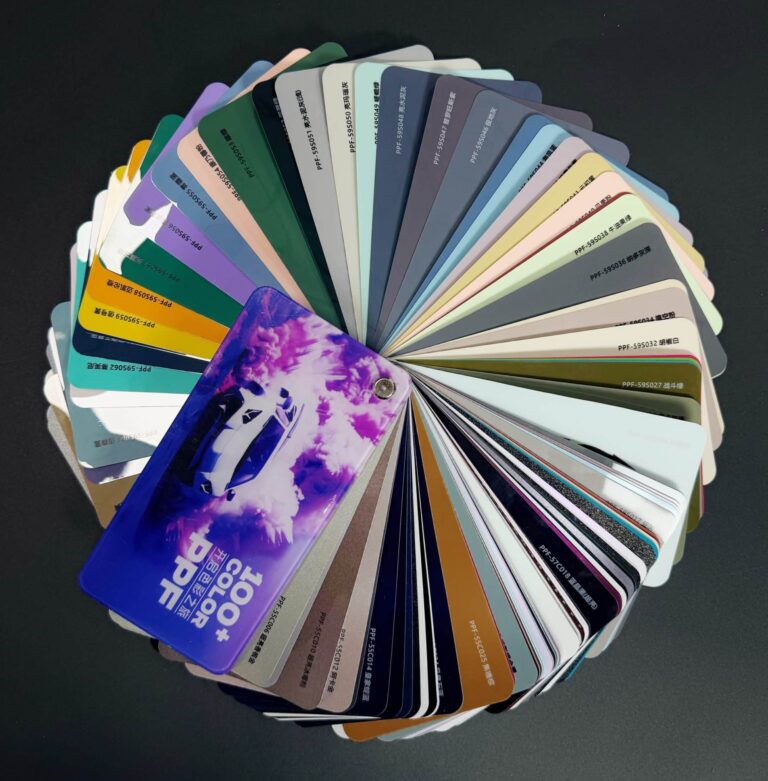
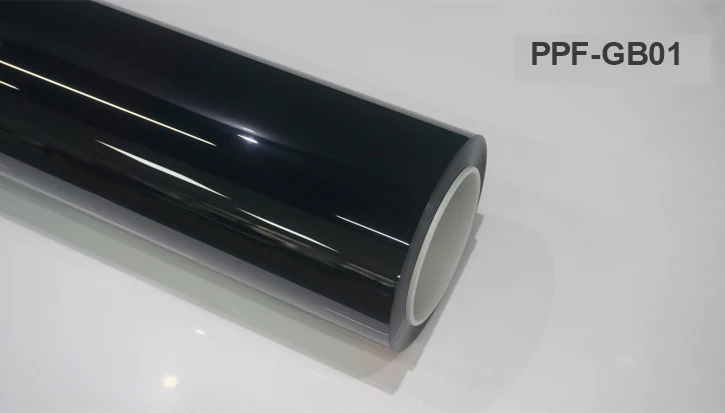
Record the model code, product family, color name and surface finish as separate fields. A color name describes appearance; it does not establish the finish. For example, ELOV PPF-GB01 is Glossy Black, while PPF-MB01 is Matte Black. A generic heading such as Black PPF can conceal a difference that matters to the installer.
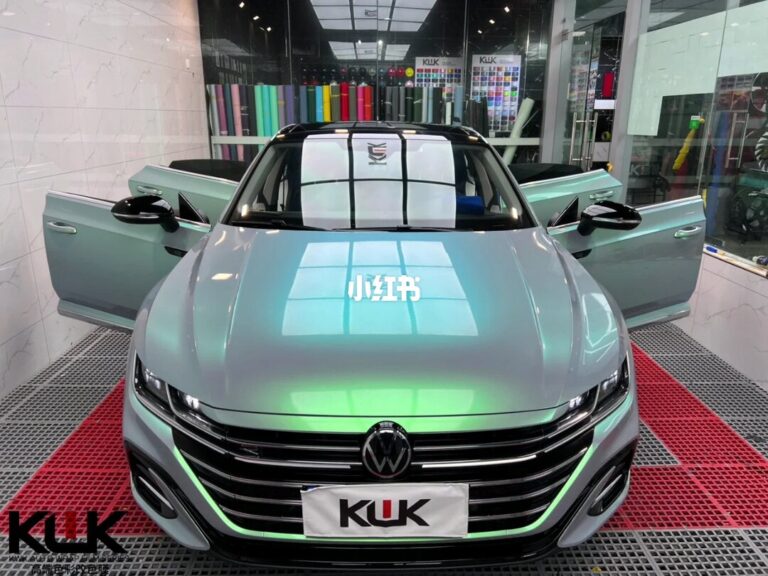
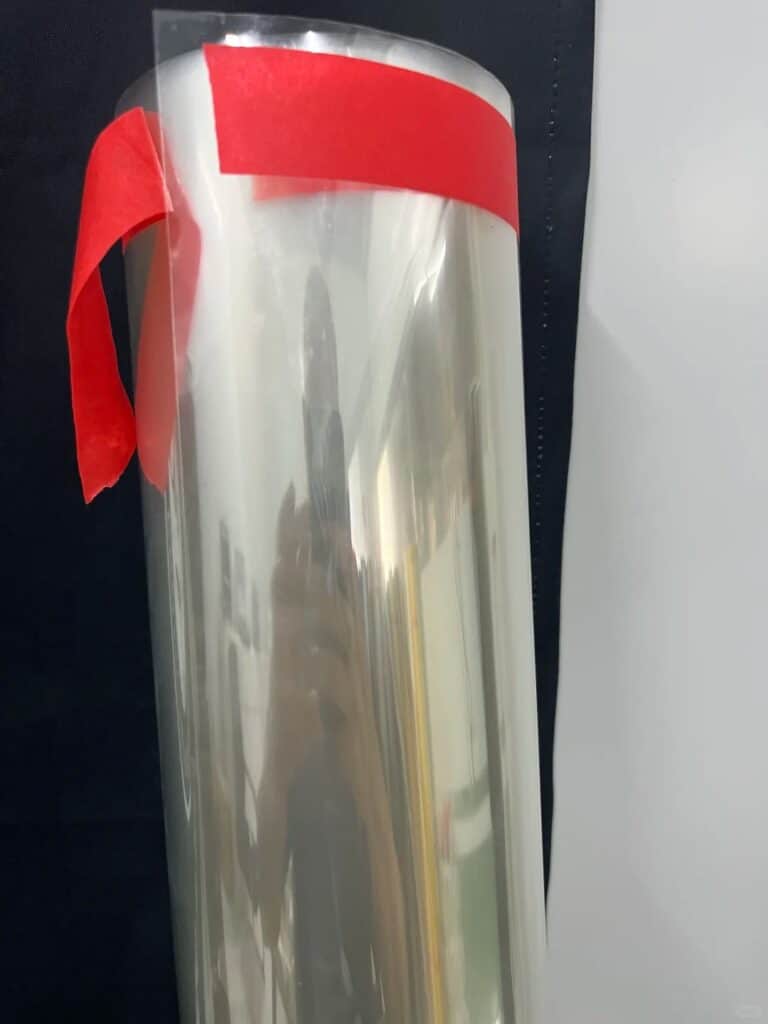
Attach application photographs to the correct model record and identify product-roll images separately. Check that the featured image and first gallery image are not accidental duplicates. Explain when photographs are illustrative; lighting and screens can affect perceived color, so a physical sample remains important before final approval.
2. Technical Specifications
Include TPU brand or grade where confirmed, film thickness, adhesive, coating and roll dimensions. Specify what the thickness measurement includes rather than combining values from different suppliers without explanation. Keep source units alongside any converted values and document the rounding rule used in your catalog.
Do not copy a material brand from one premium model into every product page. Likewise, self-healing and hydrophobic descriptions should follow the selected product’s documentation, not an assumption about all TPU films. Use the PPF model comparison as a navigation aid, then check the individual model before publishing a claim.
3. Commercial Ordering Terms
Keep sample quantities, standard wholesale MOQ and custom-packaging MOQ in different fields. For ELOV, the confirmed sample minimum is 1 roll; standard Clear and Matte PPF wholesale orders start at 20 rolls, Color PPF at 10 rolls, and OEM packaging or private-label customization at 100 rolls. Mixed-model orders are supported, but confirm the combination for the actual order.
Also distinguish preparation time from shipping time. A catalog should not imply that dispatch preparation is door-to-door delivery. Put a confirmation date beside any stock statement and explain whether the figure describes a whole series or one SKU. Avoid turning general inventory information into a promise that every color is immediately available.
4. Warranty and Supporting Documents
Present warranty duration with its starting point and a route to the written terms. ELOV’s confirmed policy is Clear PPF 5-10 years depending on model, Matte PPF 10 years and Color PPF 5 years, starting on the installation date. Coverage and exclusions must follow the applicable written warranty, not a shortened sales headline.
Separate company certificates, product test reports and material-supplier documents. Store their scope and revision information with the product record. A company certificate should not become a universal performance badge on every SKU. The PPF standards guide provides context for organizing these supporting documents.
Use a Short Release Checklist
Before sharing a catalog revision, review it as if you were an installer seeing it for the first time. Can you identify the exact film, understand the minimum order, find the warranty and request the correct sample without contacting three different people?
- Match the title, model code and finish to the approved supplier record.
- Compare technical fields against the model-specific source, not another SKU.
- Check photographs, captions and alternative text for the correct product.
- Separate samples, wholesale quantities and OEM terms.
- Test product, specification and inquiry links on desktop and mobile.
- Mark the revision date and withdraw obsolete PDF versions from public download areas.
For a multilingual catalog, translate the explanation without changing model codes, units or commercial meaning. Have a second reviewer compare the translated data with the master record. A language switch should lead to the equivalent product where available, rather than leaving the buyer to rediscover the item.
Resolve Conflicts before Sales Teams Use the Catalog
If a product page and spreadsheet disagree, mark the disputed field as awaiting confirmation. Ask the supplier to identify the current document and effective revision. Do not choose the longer warranty, thicker film or better-known material brand simply because it makes a stronger sales statement.
Once resolved, update all affected outputs together: web page, PDF, quotation template and dealer handout. Keep the previous record internally so staff can identify what a customer received earlier. Supplier specification changes require a separate approval process; see the PPF supplier change-control checklist.
FAQ
Should every PPF color have its own technical sheet?
Every color needs an identifiable product record. Shared technical data can reference a common approved specification when the supplier confirms it applies. Keep the color code, finish, photographs and any exceptions specific to the item.
Can I reuse one product description across my catalog?
You can reuse an approved structure, but review every variable field. Material, thickness, warranty and MOQ should not be inherited silently from the first product. Add useful model-specific information instead of changing only the title.
How often should dealer catalog data be reviewed?
Review it whenever the supplier confirms a specification or ordering-policy change, and before releasing a new catalog edition. Give stock and lead-time statements a fresh confirmation before quoting a live order.
What should I send ELOV to prepare a private-label catalog?
Send your selected models, target language, brand naming, intended roll quantities and packaging requirements. Discuss OEM packaging options separately from film specifications, then request confirmation of the product data and ordering terms before distributing the catalog to dealers.